Split the payment. Keep the detail.
€60 spent, €40 on groceries and €20 on shopping. One wallet payment, accurate category budgets. Available in Advanced.
See the exampleYOUR MONEY. YOUR DIRECTION.
A little clarity changes everything. Track everyday spending, make room for your goals, and keep the whole picture with you. Free, open source, made for every screen.
No app store. No download. Installs from your browser and works offline.
Total balance
€1,240TRY IT NOW
Scroll the phone, tap + to open an expense, and close it again. The real app does a lot more.
Works on iPhone, Android and computers. No app store, no download.
01 / EXPENITY
One expense becomes a pattern. A pattern becomes a decision. And somewhere between the two, Expenity quietly does the boring parts for you. Here is just how packed it is.
€60 spent, €40 on groceries and €20 on shopping. One wallet payment, accurate category budgets. Available in Advanced.
See the exampleTrack full or partial repayments without counting them as earnings. See the remaining amount and a clear receipt history. Available in Advanced.
Tap the amount, confirm, done. Save a name once and reuse it. Or just type a sentence like “Coffee 3.50 yesterday” and watch it fill itself in.
Hold + and point your camera. The merchant, total and date are read on your device, in English and Greek. Not quite right? Re-scan.
One friendly figure: what you can spend today. Keep the automatic one, or set your own daily, weekly or monthly target. Add an income target too.
Streaks count the days you stay within budget, with your best run and your no-spend days. Quietly addictive, in a good way.
Budgets and savings goals with rings and bars that fill as you go. Gentle warnings arrive before the limit, not after.
Salary, rent and subscriptions repeat on their own schedule. Income that is already due is recorded as received straight away.
Charts, tables, filters and a 90-day forecast. Explore what happened and what may be coming.
The duplicate guard asks before you add the same entry twice, and price-change alerts flag a bill that quietly got more expensive.
Filter by amount, dates and tags. Restore deleted items for 30 days. Unfinished entries are kept as drafts and waiting on Home.
Attach a small photo to an entry. Pick a profile picture from 20 characters (funny, animated, minimal) or use your own.
Invite family or friends to one wallet with viewing or editing rights. Your other wallets stay your own.
Twenty-five animated tutorials and a pulsing help icon that explains the screen you are on, in a popup, without losing your place.
Choose Basic, Pro or Advanced, or switch features on and off one by one. Nothing is deleted when you hide something.
Eighteen themes, and a pencil on each one to adjust colours, font and roundness. Bundled fonts look right on every device.
A contact form with formatting and photos sits inside the app, for feedback or a problem report. No account needed.
02 / SEE IT MOVE
These are the animated tutorials built into the app. Every feature has one.
WORKS WHERE YOU DO
Expenity is a web app that installs like a real one, so there is nothing to download from a store and nothing to update by hand. It works offline, adapts to phones, tablets and computers, and your data follows you when you sign in.
Open Expenity in Safari, tap Share, then Add to Home Screen. It opens full screen like any other app.
Good to know: Notifications when the app is closed need the home-screen version.
Open it in Chrome and choose Install app. It gets its own icon and works offline.
Good to know: Receipt scanning uses your camera, or a photo from your gallery.
Use it right in the browser, or install it from Chrome or Edge (the install icon in the address bar), or add it to the Dock from Safari on a Mac.
Good to know: Firefox works in the browser but cannot install web apps on a computer.
A TOUCH OF YOU
Even the start screen follows your theme: its colours and mood. Open Expenity and it greets you in your own style.
03 / YOUR WAY
Packed does not mean cluttered. Pick a plan on day one and change it any time. Hidden features come back exactly as you left them.
Wallets, expenses, income, bills, categories and reports. Simple and quiet.
Adds repeating bills and income, budgets and goals, tags, photos, shared wallets, notifications, the daily number, filters and more.
Everything: receipt scanning, ideas and forecasts, streaks, sounds, Home editing and theme editing.
| Feature | Basic8 features | Pro23 features | Advanced33 features |
|---|---|---|---|
| Always included | |||
| Wallets | |||
| Expenses, income and transfers | |||
| Categories | |||
| Bills with due dates | |||
| Activity and search | |||
| Reports | |||
| Themes and languages | |||
| Backup and export | |||
| Added in Pro | |||
| Repeating bills and incomeWeekly, monthly, yearly and custom schedules. | – | ||
| Budgets and goalsMonthly budgets and savings goals. | – | ||
| TagsLabel entries to find them later. | – | ||
| Quick entriesSaved and pinned names for one-tap entry. | – | ||
| Photos on entriesAttach a small photo or screenshot. | – | ||
| Profile pictureCharacters or your own photo. | – | ||
| NotificationsBill reminders when the app is closed. | – | ||
| Shared walletsShare wallets with family or friends. | – | ||
| Draft remindersPoints out unfinished entries on Home and lists them. | – | ||
| Duplicate guardWarns before adding an identical entry. | – | ||
| Daily numberA friendly “you can spend today” figure on Home. | – | ||
| Search filtersFilter Activity by amount and dates. | – | ||
| Recently deletedRestore deleted entries for 30 days. | – | ||
| Price-change alertsFlags bills that cost more than last time. | – | ||
| Right-click menuA menu with quick actions when you right-click on a computer. | – | ||
| Added in Advanced | |||
| Split expensesDivide one payment between categories. | – | – | |
| Smart detectionFills in the category, tags and wallet from what you type. | – | – | |
| ReimbursementsTrack money owed to you and partial repayments. | – | – | |
| Receipt scanningRead totals from a receipt photo on your device. | – | – | |
| StreaksA flame for days within budget. | – | – | |
| IdeasEvidence-based hints about your spending. | – | – | |
| Safe to spendA cautious estimate until your next income. | – | – | |
| SoundsOptional sound effects. | – | – | |
| Home editingMove, hide and resize Home cards. | – | – | |
| Theme editingAdjust colors and fonts of any theme. | – | – | |
Use a passkey, then follow the animated install guide. Prefer to look around first? Try without an account.
Choose how much you want to see (Basic, Pro or Advanced), your currency, wallets, goals, daily number and style. Skip any optional step and change it later.
Animated steps show scanning a receipt, typing an entry as a sentence and a few handy extras, and introduce the help icon that is always one tap away.
Read spending by category, compare periods, filter by wallet, or switch a chart into a table. Ideas on Home use your own numbers to surface opportunities.
Explore the guide →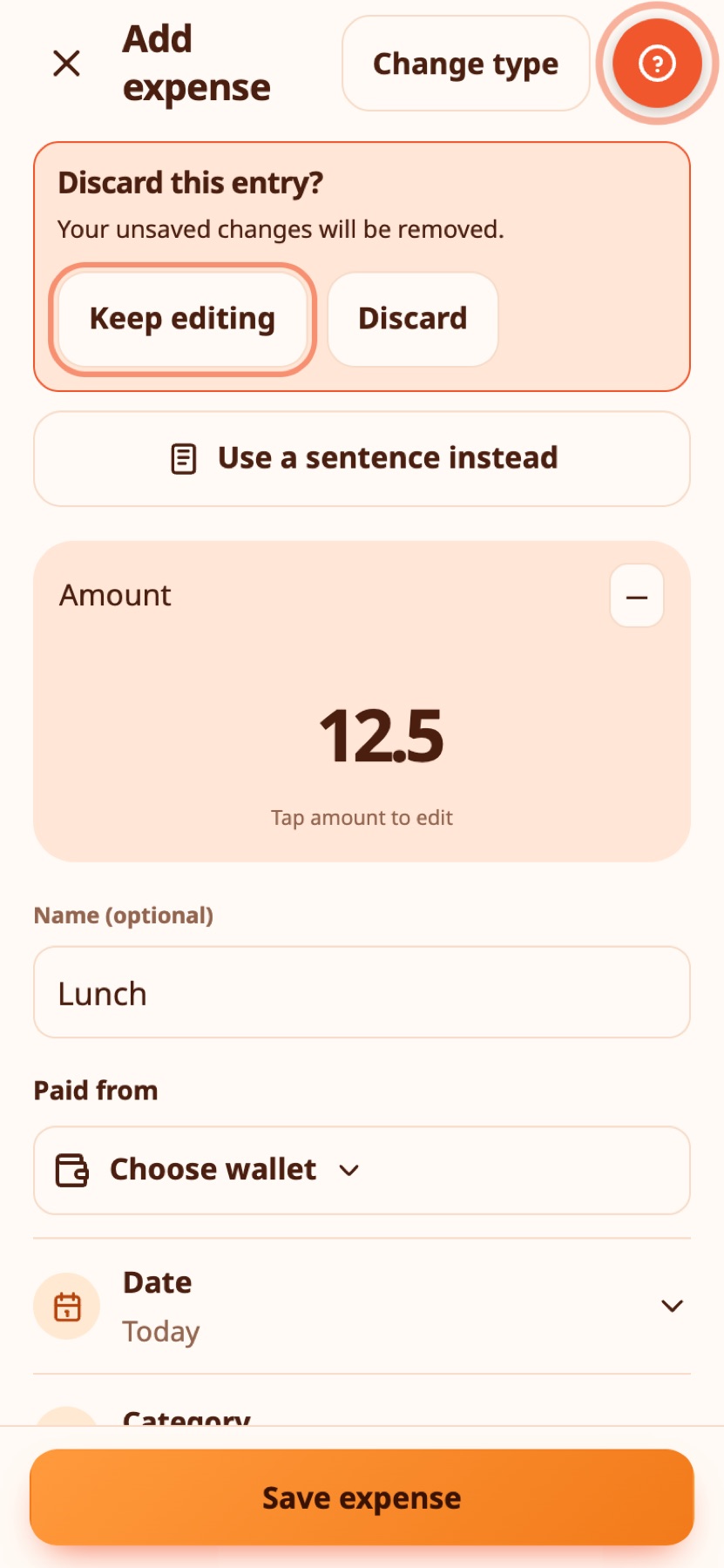
From your first expense to receipts, targets, streaks, shared wallets and starting fresh: the full help centre is available in English and Greek, with the animated tutorials.
04 / WHY IT EXISTS
Expenity started with a very simple request: Olga wanted an easy way to track expenses.
Olga is my wife, and the first person to ask.
That one word, easy, became the brief. Every feature here is an answer to “could that be easier?”, from the sentence you can type to the help icon that waits patiently on every screen. It is free, open source and made for every screen, in English and Greek.