Contact us
Found a problem, have an idea or just want to say something? More → Help & about → Contact us sends your message straight to the person who makes Expenity.
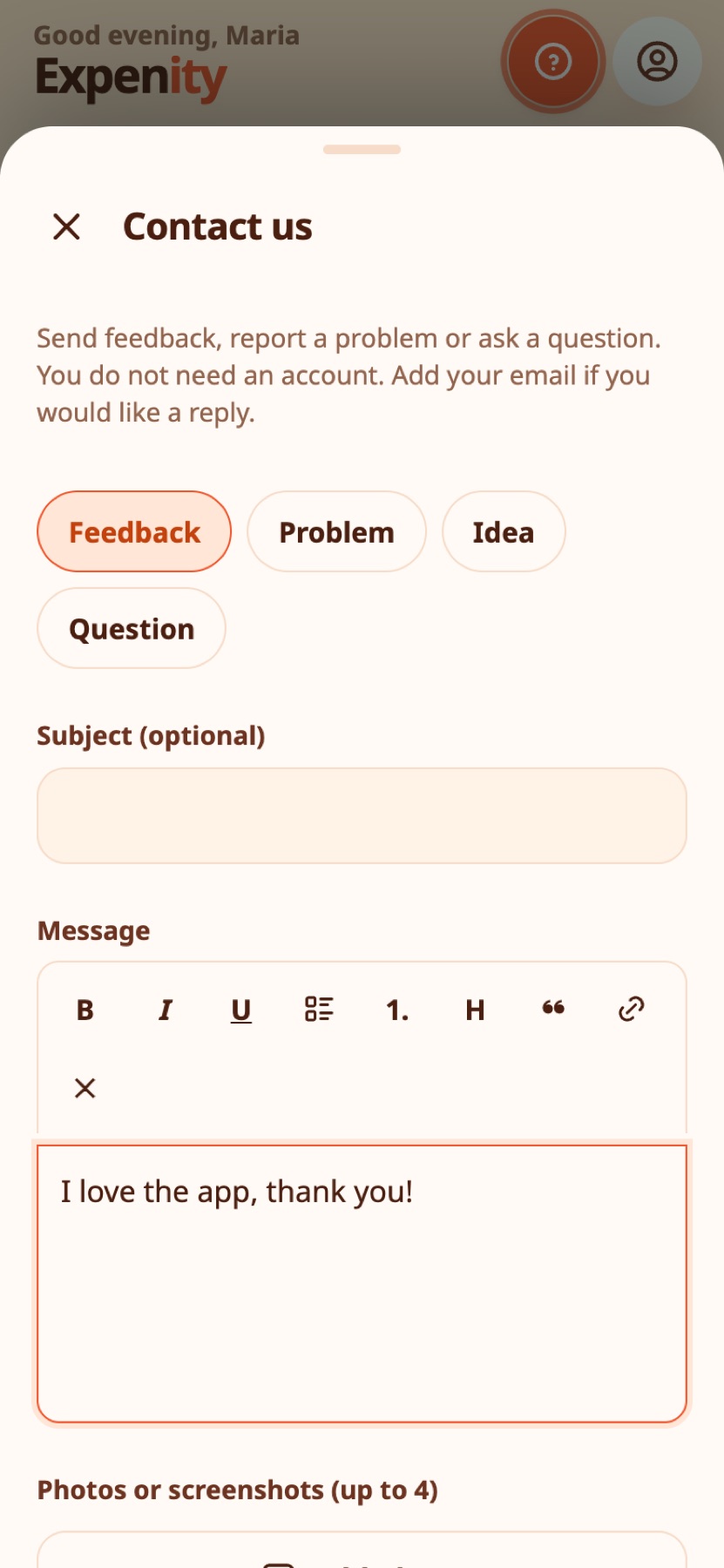
What you can send#
- Choose what it is about: Feedback, Problem, Idea or Question.
- Write your message with simple formatting: bold, italic, underline, lists, a heading, a quote and links.
- Attach up to four photos or screenshots. They are shrunk on your device before they are sent.
- Add your email if you would like a reply. It is optional.
- Leave Include app version, language and device type ticked: it helps us reproduce problems. Untick it if you prefer.
You do not need an account to write to us.
What happens to it#
Your message goes straight to the developer's inbox, labelled as a message from the app. It is used to read and answer feedback and fix problems, and nothing is added to your Expenity data. See Privacy and your data.
Other ways#
Open an issue on GitHub. Before writing, a tutorial may already show the answer.
Still stuck? Check the FAQ, or ask on GitHub.